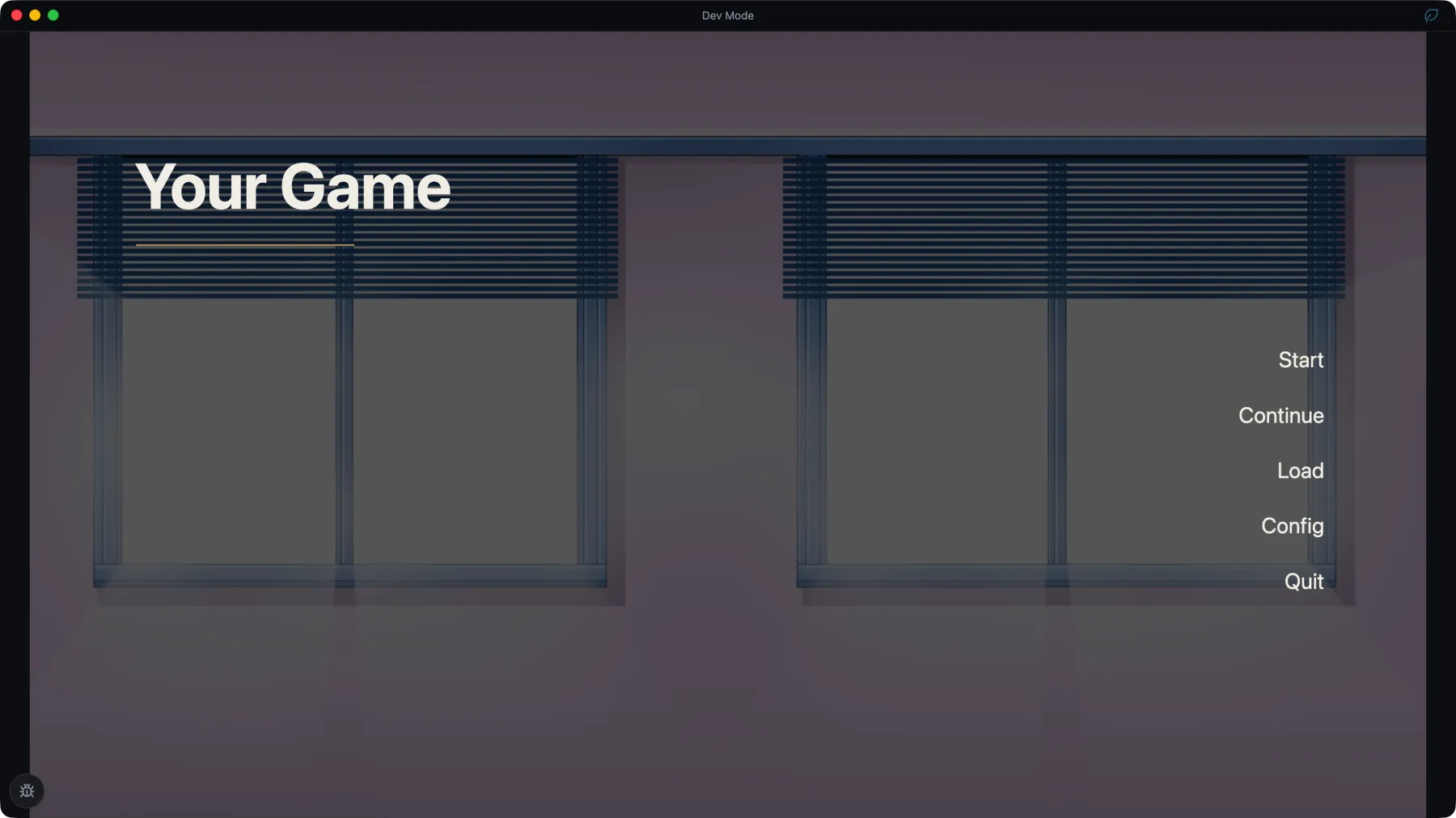
Introduction to Studio
What a NarraLeaf project contains, and which tool edits each part of it.
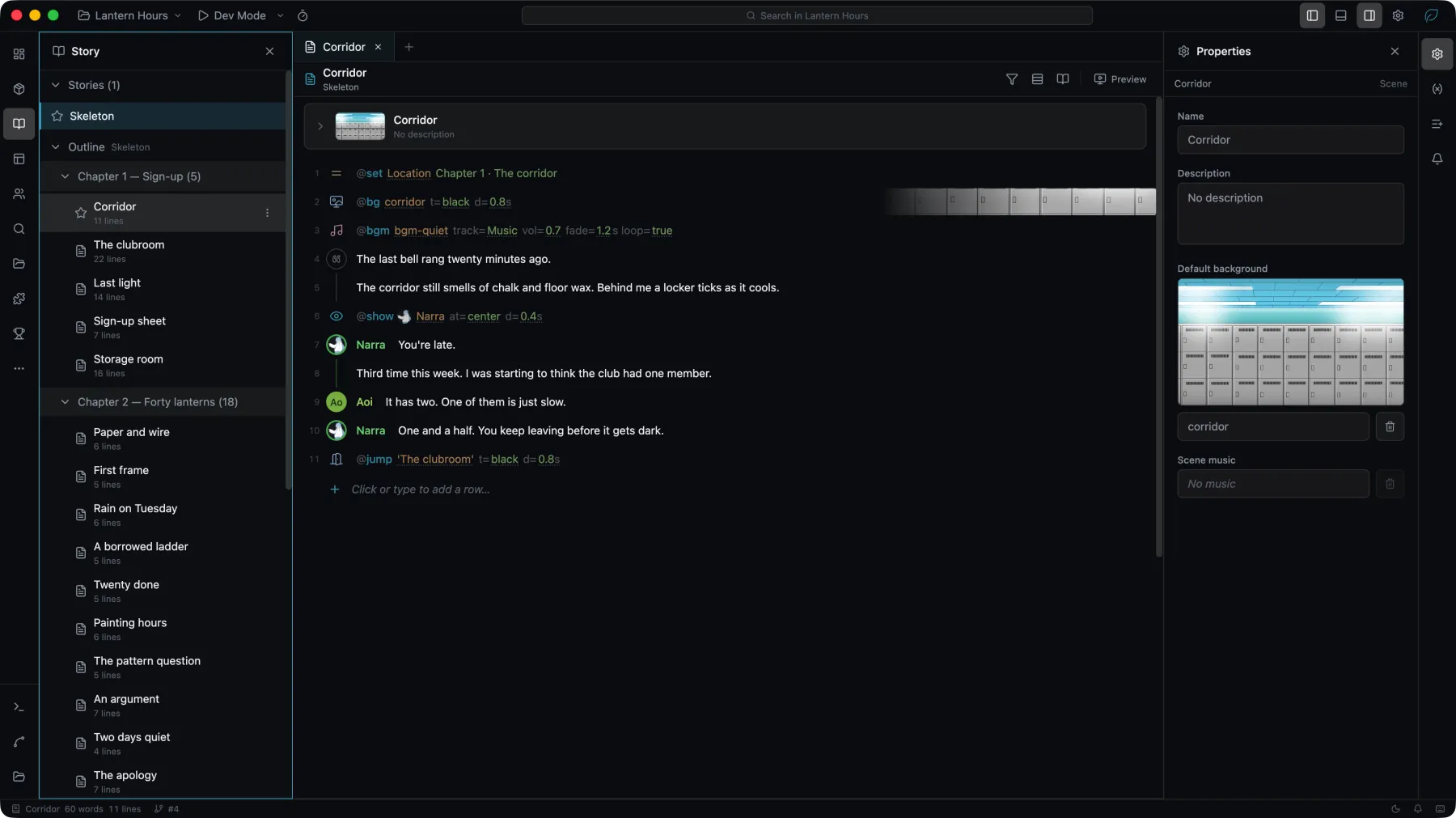
NarraLeaf Studio is a desktop editor for visual novels. One project holds the stories, characters, assets, interfaces, and release settings of one game, and Studio edits all of them.
Studio is in early development. Interface names and project formats can change between releases. Keep projects under version control or a separate backup.
What a project contains
| Content | Tool |
|---|---|
| Stories, chapters, scenes, and actions | Story |
| Characters, forms, and variants | Characters |
| Images, audio, and other files | Assets |
| Pages, such as title, settings, save, history, and gallery screens | UI |
| Game UI, such as dialog, choices, notifications, and NVL | UI |
| Blueprints for page, widget, and Game UI behavior | UI |
| Source text, translations, and review state | Localization |
| Metadata, icons, dependencies, and project settings | Project |
All of it is written into the project directory. Move, back up, and commit that directory as a unit.
Pages and Game UI
Both are built in the UI editor and differ in what they cover.
| Type | Contains | Size |
|---|---|---|
| Page | A complete screen, such as title, settings, or save | Chosen when the page is created |
| Game UI | Dialog, choices, notifications, NVL, and other stage content | The project stage size |
Game UI is mounted into a slot. A project has one active interface per slot.
Editing and running
The canvas shows layout. Dev Mode runs the project in the real runtime, and is where interaction, Blueprint execution, and saved state are checked. Production Build… produces the files that ship to players.